
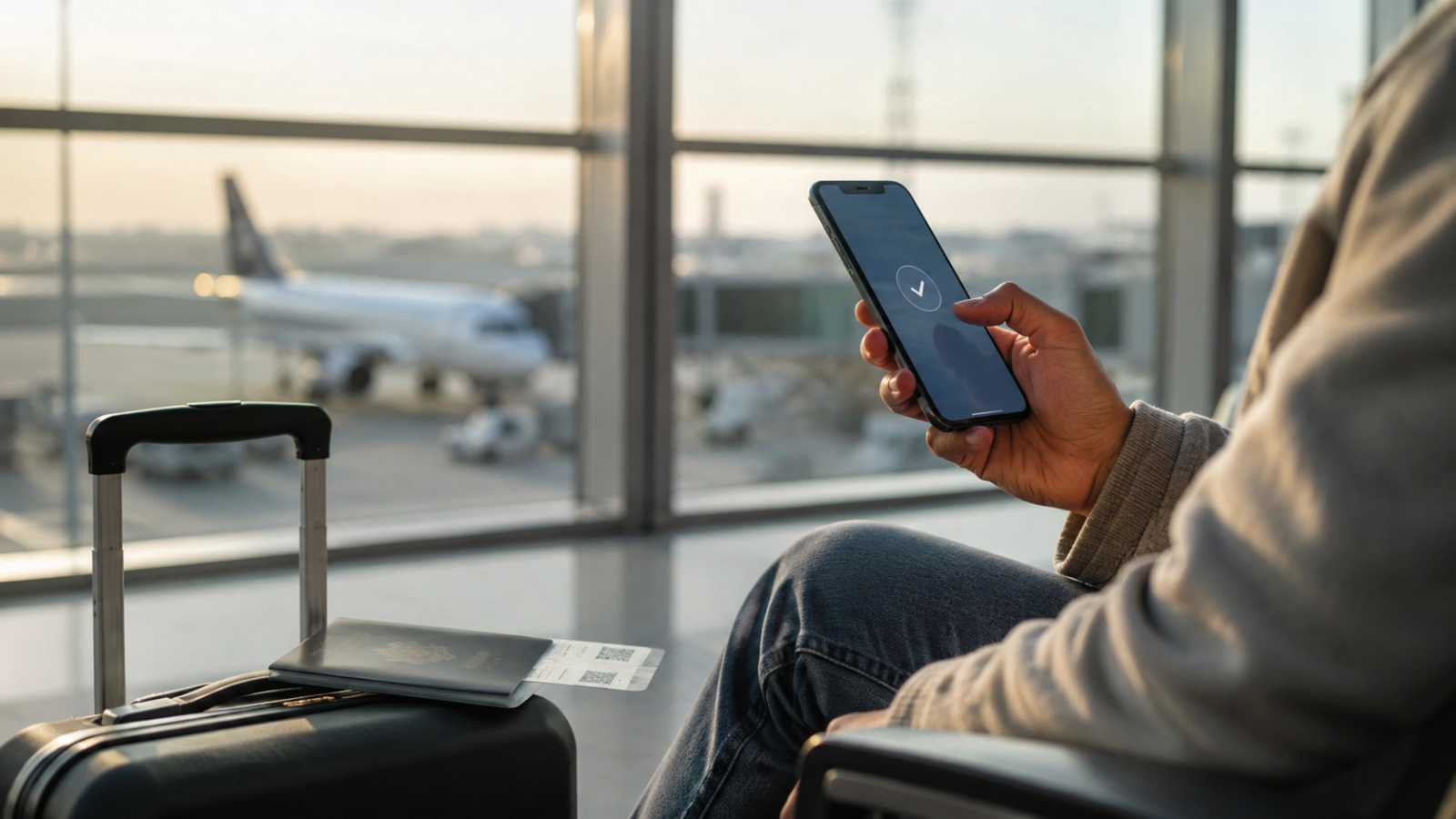

You land, switch off airplane mode, and remember your normal roaming costs roughly the same as a second holiday. So you open the eSIM app to sort it out. The app won’t load, the airport Wi-Fi is staging a small breakdown, and your phone has chosen this exact moment to demand you sign into your Apple ID again. The eSIM is not the problem here. The timing is. Knowing when to activate your travel eSIM is the difference between walking out of arrivals already online and standing by the baggage belt begging a stranger for a hotspot.
When Should I Activate My Travel eSIM?
The honest answer starts with a question most guides skip: when does your plan actually start counting?
Travel eSIM plans begin their validity in one of three ways. Some start the clock the moment you install the profile. Some start when you manually activate the line. Others start only when the eSIM first connects to a supported network in your destination. Providers are not always clear about which model they use, and the answer changes everything about your timing.
Once you know that, the recommendation falls into place.
If your plan starts on first connection (ideal), activate it at your departure airport, after security and before boarding. You get to set everything up on reliable Wi-Fi, confirm the profile installed correctly, and the validity clock stays paused until you land. This is also a good moment to deal with the rest of your pre-flight admin, which we cover in our airport security tips for frequent flyers.
If your plan starts on activation, the maths changes. Activating a one-day plan at Heathrow before a 12-hour flight means you donate half of it to the sky before you have used a single megabyte. But that might be a small price to pay to avoid being unable to use it at all when you wait until you land to activate it. If you’re going for 7 days, buy 10. That way you have a buffer either side.
So the rule is simple. Install early, activate as late as you can – but before your flight departs and your home SIM stops working – and let the plan’s start trigger decide how late.
Don’t Activate Too Early
This is the bit that can cost you more money, or can mean your plan expires a day or two before you’re due to leave.
Check the provider’s terms for the start trigger, screenshot it, and if you really cannot tell, activate as close to departure as the plan allows. When in doubt, later beats earlier.
Why Activating After Arrival Goes Wrong
Most of the time, activating after landing works fine. The trouble starts in the places where it doesn’t, and they tend to be exactly the places you most want working data.
Several things can trip you up at once:
- The eSIM provider’s website or app may be blocked from inside the country.
- Airport Wi-Fi may block the login page, the app store, the payment step, or the QR code flow.
- Payment can fail because your UK bank wants to send an SMS verification code to a SIM that isn’t connected.
- Some countries restrict eSIM sales, VPNs, or foreign connectivity apps outright.
- The eSIM may connect, yet apps like WhatsApp, Instagram, Google, or Gmail still won’t behave normally.
That last point matters more than it looks. A travel eSIM gets your phone online. It does not guarantee that every app and service works the way it does at home, particularly in countries that filter the internet.
We learned this first-hand on a trip into Shanghai, written up in our Qatar Airways QSuites review to Shanghai. The popular line is that a foreign roaming eSIM sails straight past the Great Firewall. Sometimes it does. Sometimes it very much does not, depending on the provider, the local partner network, and the routing on the day. We would not bet a working week on it.

What To Do If You Forget
You will, eventually, forget. Here is the order we work through when it happens.
- Try the airport Wi-Fi, but keep expectations low.
- Tether to a travel companion who already has working data.
- Try the hotel Wi-Fi, which often holds up better than a crowded airport network.
- Use a trusted VPN over Wi-Fi, where it is lawful and permitted locally.
- Try the provider’s website if the app fails, or the app if the website fails.
- Switch on your home SIM’s roaming briefly, purely to activate the eSIM, if the charge is bearable.
- Buy a local SIM or local eSIM, if registration is straightforward and ID rules allow it.
The warning underneath all of this: once you are inside a country that blocks eSIM provider platforms, your options shrink fast. Landing is not the moment to discover your QR code is sitting in an email you can no longer open.
What Service Should I Expect?
Time for some honesty rather than cheerleading. A travel eSIM is brilliant value, but it is not magic.
Most plans run over roaming agreements, so speeds often sit below what a local SIM delivers. You may not get 5G even where the local network broadcasts it. Latency can climb if your traffic routes through another country before reaching the open internet. Tethering is sometimes supported and sometimes quietly disabled. Voice calls and SMS usually aren’t included at all, so your bank’s verification texts will still land on your normal SIM.
Put plainly: a working eSIM means your phone has data. It does not mean the internet behaves like it does at home.
Telecoms Work Differently Around the World
Plenty of countries run their telecoms differently to the UK or the EU. None of this is a reason to panic, or to skip the eSIM. It is simply worth knowing before you go, so nothing catches you out at arrivals.
We have avoided a full country-by-country ban list because those go stale faster than an airport Pret sandwich. Still, a few patterns are worth understanding.
Some countries filter the internet
A travel eSIM may give your phone data, but that does not guarantee every app and website works normally. China is the clearest example, where mainstream services like Google, WhatsApp, Facebook and Instagram can be blocked. A foreign roaming eSIM may route around some filtering, but we would not treat that as guaranteed. We found that first-hand in Shanghai, where the eSIM connected but several everyday services still behaved like they had gone for a long lunch.
Examples where travellers should check internet access expectations before they fly include:
- China
- Iran
- Russia
- Turkey
- United Arab Emirates
- Saudi Arabia
- Vietnam
- Egypt
- Myanmar
- Cuba
The point holds everywhere: data and unrestricted access are two different things.
Some countries may block the eSIM providers themselves
This is slightly different. Your installed eSIM may still work, but the provider’s app or website may not load once you are inside the country. That can make buying, installing, topping up, checking usage, or contacting support painfully difficult.
Examples where access to international travel eSIM providers has been blocked, restricted, or reported as unreliable include:
- Turkey
- United Arab Emirates
- Oman
- Kuwait
Turkey is the cleanest example. In 2025, Turkey’s telecoms regulator blocked access to major international eSIM provider websites and apps, including names like Airalo, Holafly, Ubigi and Saily. The practical workaround was simple: install and activate before leaving the UK. The UAE is more nuanced because eSIMs are available locally, but some international providers advise buying and installing before arrival because access to their platforms may be blocked once you are in the country.

Many countries want ID to sell you a local SIM
This is completely normal and not unique to anywhere in particular. It just means you cannot always grab an anonymous SIM at the airport and be online in two minutes.
Examples where local SIM or local eSIM registration commonly involves passport, ID, biometric, tax-number, visa, or in-person checks include:
- China
- United Arab Emirates
- India
- Malaysia
- Singapore
- Thailand
- Indonesia
- Brazil
- Turkey
- Philippines
Malaysia, for example, requires foreigners and tourists to present a passport or approved permit when registering prepaid mobile service. In the UAE, tourist SIM products are built around passport or GCC ID registration, while longer-term plans move onto Emirates ID. China also requires in-store activation and ID checks for local eSIM support on compatible iPhones.
None of this should put you off any of these places. It is the same point throughout: do the boring setup before you travel, and these differences barely touch your trip. Leave it until arrivals, and you may discover the only thing standing between you and Google Maps is a captive Wi-Fi portal designed by someone who clearly hates joy.
When Should I Activate My Travel eSIM? Before You Land, Ideally
Activate your travel eSIM before you land, ideally at the departure airport once you are through security and close to boarding. Check when the plan starts counting, and if it starts on activation rather than first connection, hold off until you’re just about to depart. In filtered countries, assume the eSIM gives you data but not guaranteed access to every app.
Do the setup at home, alongside your other pre-trip admin like sorting your travel insurance, and you walk out of arrivals already connected. Leave it until you land in the wrong country, and you walk out hunting for a hotspot and struggling to get an Uber. We know which one we prefer.
Read next: How to Earn Cashback on Travel
Give us a follow on TikTok and Instagram. Check out our videos on the BoardingGroup.One YouTube channel.




Leave a Reply